Ready for your DAW.
Install and update your native devices from one library. Choose the format that fits your setup.
Apple Silicon · macOS 13 or later
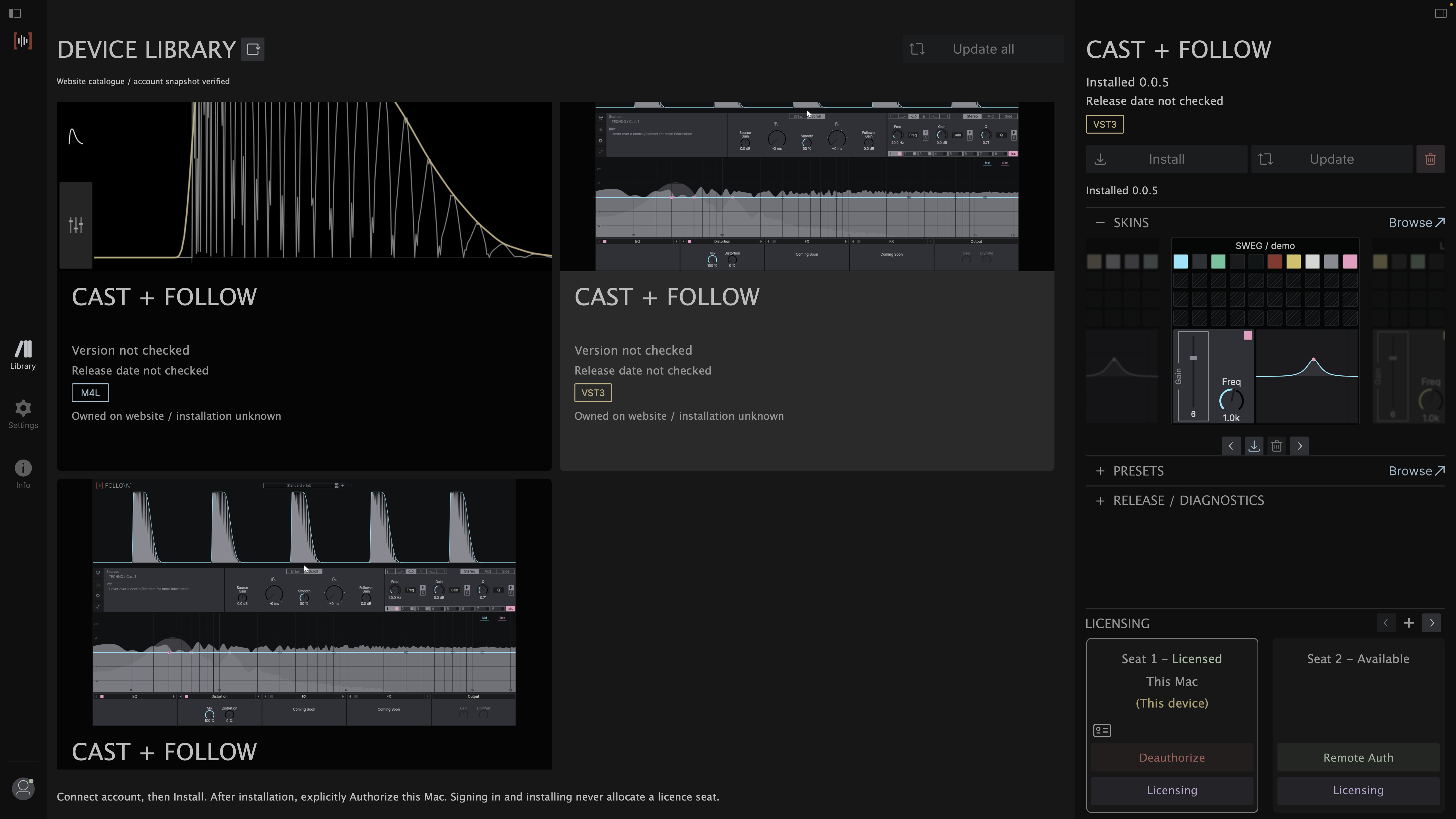
Install and update your native devices from one library. Choose the format that fits your setup.
Browse the skins and presets available for your products, alongside the tools you use them with.
Authorize this Mac, review your seats, or prepare a license for an offline studio.
Explore licensingThe current Mac preview supports native AU and VST3 installation. Max for Live has its own installation and licensing workflow.
Open the DMG and drag SWEG Console to Applications. Then eject the disk image.
Open the profile menu and choose Connect account. Sign in with your SWEG account in the browser, then return to Console.
Select a device and format. Save your sessions and quit audio hosts before choosing Install or Update.
Once installed, choose Authorize on an available seat. AU and VST3 share one native license on this Mac.
Adding a laptop, working offline, or moving to a new Mac? Find the steps for your setup.
Windows support will appear here when its release is ready.